Building a LiveView app using AI - Part 14
Cleaning up Authentication
This is the last episode before we get back to our original plan. The authentication system currently in place is what was generated by running the mix phx.gen.auth command. The styles were cleaned up a little when I asked Claude to create a nice style for the entire site. But the behaviour is the generated form and is not what I want. In part 14 we will attack this head on.
All work described below was performed by TideWave. The sessions took anywhere from two to 10 minutes. Since I knew these tweaks were small I decided to not record videos.
Removing the password-less login
Out of the box phoenix authentication has a standard email and password login as well as a password-less login. I think a lot of users will find the password-less login confusing and I want this application to be simple and not confusing. I decided to remove this password-less login. In addition to removing the user interface I also asked TideWave to remove all of the code that was there to support this feature.
Combining two login buttons
With the password-less login removed I still had a complicated login form. There were two buttons present - one to login to a single session and a second to have the system remember the user. The remember me option is common but I have never seen it represented by a separate button. I asked TideWave to rework the page so there is only one login button and a checkbox to remember the user.
After these two changes I am not happy with the login form.
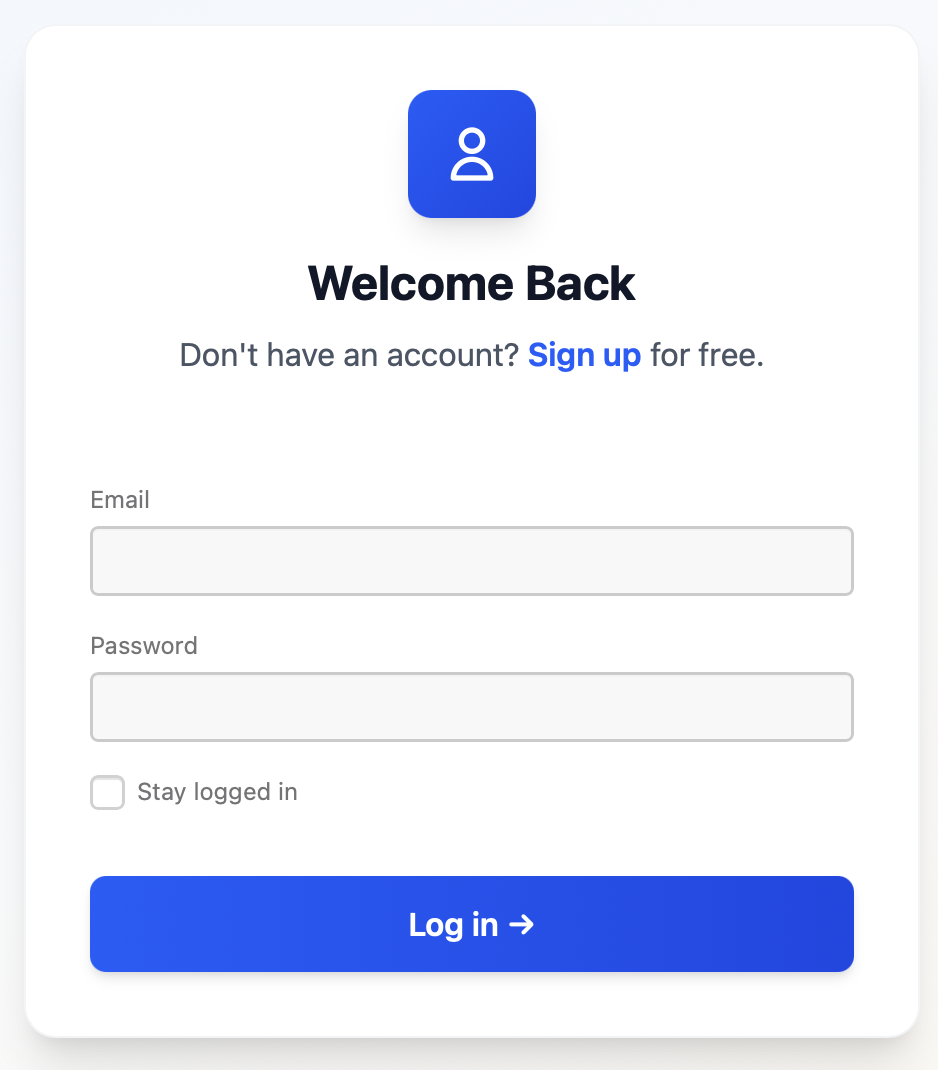
Styling the settings page
When I asked Claude to apply a new style to all of the pages of the application I noticed that it skipped the settings page. A simple prompt for TideWave and a few minutes later we have a nice settings page.
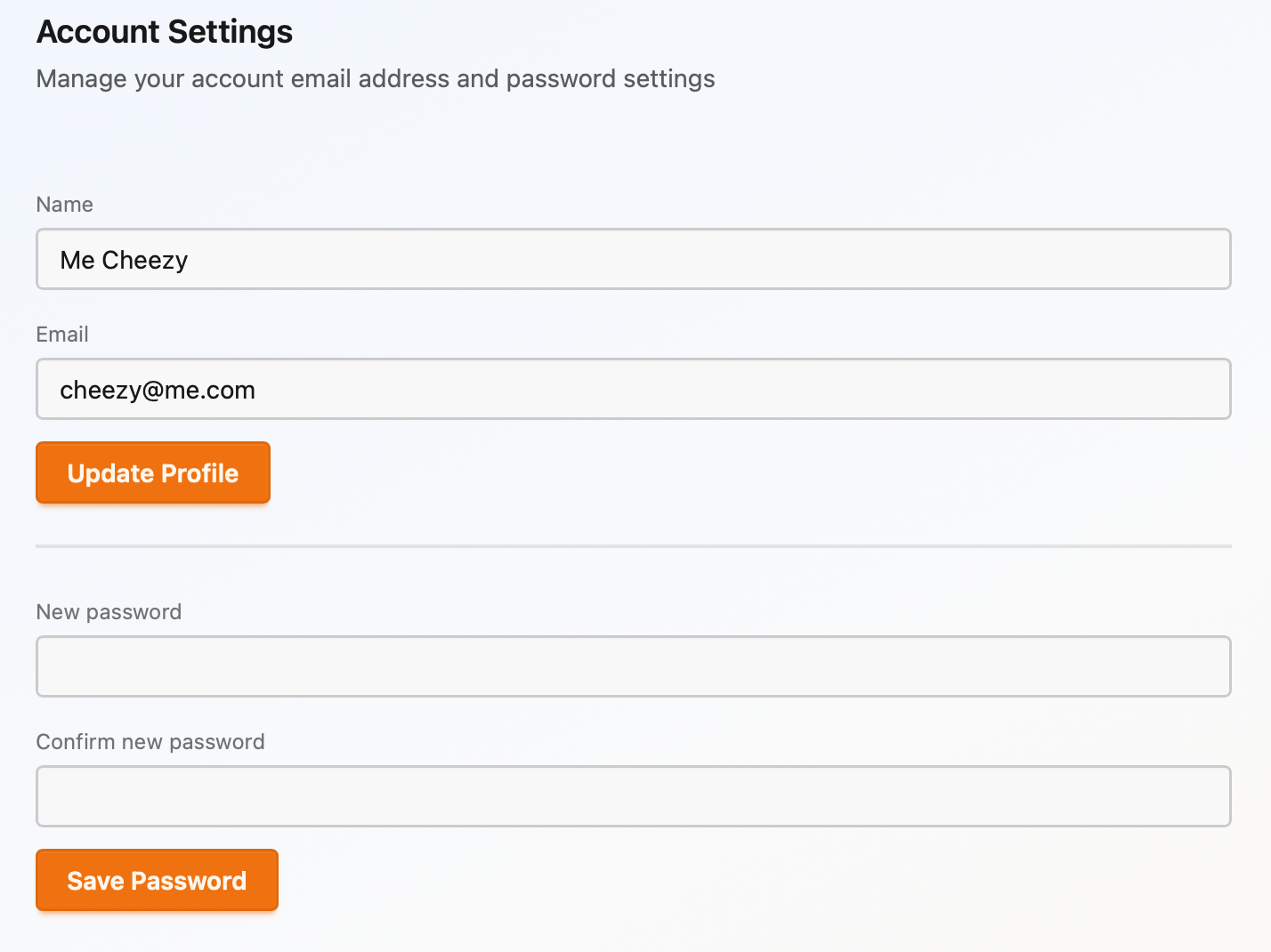
Email notifications
Out of the box the authentiation system sends out a few emails. It sends one when a user registers so they can verify their email address and it sends out another email when a users requests to change their email address. I updated the text for both of these email to make them more appropriate for the application.
Top level links and about page
I added a few new links to the top of the page that are displayed based on your permissions. I also added an about page and associated link. The About page is a static page that explains what this application is, how it was built using AI, links to the blog entries so users can see the process we followed during application creation, and links where issues or feature request can be submitted. Be sure to check out this page when you use the application.
Finally, I also asked TideWave to update the language toggle to make it a dropdown menu. This is to allow me to add more languages in the future.